Smart meter display not working: troubleshooting
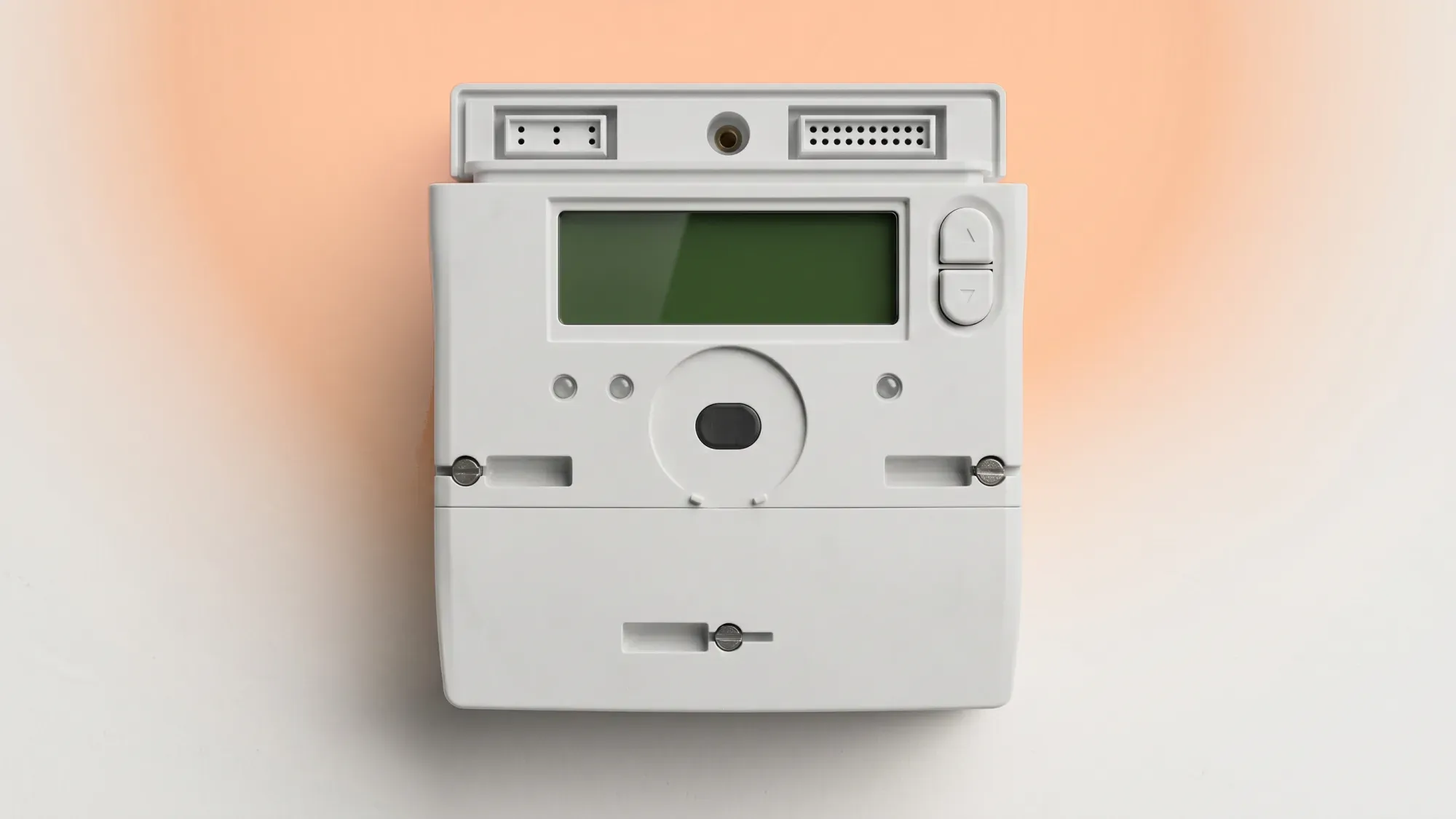
A non-functional smart meter display can be frustrating, making it difficult to track your energy usage in real-time. However, a blank or unresponsive In-Home display (IHD) does not necessarily mean your smart meter itself has stopped sending readings to your energy supplier. Smart meters are designed to continue transmitting data automatically, even if the display isn't working. This guide will help you troubleshoot common issues and understand when to contact your supplier.
Keeping track of your energy usage is simpler with a working smart meter. Fuse Energy aims to make managing your home's energy straightforward, offering clear insights into your consumption. Click here to see how easy it is to switch to Fuse Energy.
Enter your address to get a quote and see how much you could save
Understanding your smart meter display (IHD)
What is an In-Home Display?
An In-Home Display (IHD) is a portable screen that wirelessly connects to your smart meter, providing real-time information about your electricity and gas consumption. It shows how much energy you're using in pounds and pence, helping you monitor costs and identify ways to save. The IHD is separate from the smart meter itself, which is typically installed near your electricity supply or gas pipes.
Why your display might stop working
Several factors can cause your IHD to stop working. These often relate to power supply, connectivity, or the display unit itself. Common reasons include depleted batteries, the unit being unplugged, or a temporary loss of signal between the IHD and the smart meter. Thick walls or distance can sometimes interfere with the signal.
Initial troubleshooting steps
Before contacting your energy supplier, performing a few simple checks can often resolve the issue.
Check power and location
First, ensure your IHD is properly powered. If it's a plug-in model, check that it's securely plugged into a working socket and that the power supply is switched on at the wall. If it's battery-powered, check or replace the batteries.
The location of your IHD can also affect its connection. For optimal performance, keep your IHD within about 10 to 15 metres of your smart meter. Moving it closer to the electricity meter can often restore connectivity.
Restart or reset your display
A simple restart can often resolve temporary glitches. Try unplugging your IHD, waiting a few seconds, and then plugging it back in. Some models may have a dedicated power button or a reset option in their menu. Consult your IHD's user guide for specific instructions on how to restart or reset it.
Verify connectivity with your smart meter
Your IHD communicates wirelessly with your smart meter. If the display is blank or shows a "connecting to smart meter" message, it might be struggling to establish or maintain this connection. After checking the power and location, allow up to 24 hours for the IHD to reconnect and display data. If it still shows no data, this could indicate a more persistent connectivity issue. You can also learn more about how to read your smart meter directly.
Common display issues and solutions
Blank screen or no power
If your IHD screen is completely blank and unresponsive even after checking the power supply and trying to wake it up, it could indicate a fault with the unit itself. However, some IHDs enter a power-saving or "sleep mode"; pressing any button might reactivate the display. If it remains blank, the unit may need replacing.
No data showing or incorrect readings
If your IHD powers on but displays no data, shows an error message like "not commissioned," "network connection lost," or provides incorrect readings, it suggests a communication problem. This doesn't mean your smart meter isn't working; it's likely still sending readings to your supplier. In such cases, your supplier may need to reset your monitor or investigate the connection.
Gas meter battery concerns
Gas smart meters are battery-powered, and these batteries are sealed within the unit and are not user-replaceable. When the battery is depleted or failing, the entire gas meter needs to be exchanged by an engineer, not just the battery. There is no "battery replacement" service for gas meters. If your gas meter display shows a low-battery alert or is off, it indicates the battery is no longer working, and you should contact your supplier to arrange a meter replacement. For SMETS1 gas meters, a fully dead battery can also cut off the gas supply as a safety mechanism.
When to contact your energy supplier
If the troubleshooting steps haven't resolved your IHD issue, it's time to contact your energy supplier.
Gathering necessary information
Before you call, gather the following details to help your supplier diagnose the problem quickly:
- Your account number and address.
- The type of smart meter you have (electricity, gas, or both).
- The make and model of your IHD (often found on the back).
- A description of the problem and any error messages displayed.
- The troubleshooting steps you've already tried.
What to expect from customer support
Your energy supplier can often diagnose and resolve connectivity issues remotely. If a physical problem with your IHD or smart meter is suspected, they may arrange for an engineer visit. Ofgem introduced new Guaranteed Standards of Performance (GSOPs) for smart meters from 23 February 2026, which include compensation for certain issues. For instance, if you report a smart meter problem, your supplier must provide a resolution plan within five working days of the report. If they fail to do so, you may be entitled to £40 in automatic compensation. Other scenarios that may trigger a £40 payment include waiting longer than six weeks for a first-time smart meter installation appointment or a failed installation due to a fault within the supplier's control.
Fuse Energy provides customer support via in-app chat and email, ensuring that help is available when self-service troubleshooting isn't enough. This commitment means you can easily get assistance for complex issues, reducing anxiety about managing your energy. You can also find out more about smart meter installation on our blog.
Beyond the display: ensuring accurate billing
How smart meters send readings automatically
Even if your IHD isn't working, your smart meter is typically still sending automatic readings to your energy supplier. This means you should usually continue to receive accurate bills based on your actual energy consumption. However, if your smart meter is not operating in 'smart mode' or readings are delayed or missing, you might still receive estimated bills. If you are consistently receiving estimated bills despite having a smart meter, it suggests a problem with your smart meter's communication, and you should contact your supplier. Understanding your energy bills explained can help you identify any discrepancies.
Does a non-working smart meter display affect my energy bills?
No, typically it doesn't. Your smart meter is designed to send readings automatically to your energy supplier even if the In-Home display (IHD) isn't working. This means you should usually still receive accurate bills based on your actual usage, though estimates may occur if readings are delayed or missing. If you start receiving estimated bills, contact your supplier.
Your rights as a consumer
Ofgem is the UK's energy regulator and sets rules for smart meter installations and operation. Citizens Advice provides impartial guidance on consumer rights regarding smart meters and energy supply, helping you understand your options if you encounter persistent problems. If your smart meter isn't working correctly, or you've waited too long for an installation or repair, you now have stronger legal rights under Ofgem's Guaranteed Standards of Performance, with potential automatic compensation if your supplier breaches specific standards. For free, independent advice, you can contact Citizens Advice on 0808 223 1133.
Managing your energy should be simple and transparent. Fuse Energy offers clear pricing and real-time usage data through our app, helping you stay in control of your energy consumption. Our support team is available to assist with any queries you might have, making your energy experience as smooth as possible. Switch to Fuse Energy today and take advantage of a modern approach to home energy.
Disclaimer
For the avoidance of doubt, this article is provided for informational purposes only and is not intended to constitute legal or financial advice. The author and/or Fuse Energy shall not be responsible for any losses arising out of any reliance on the information contained herein.