Reading your energy meter for accurate bills
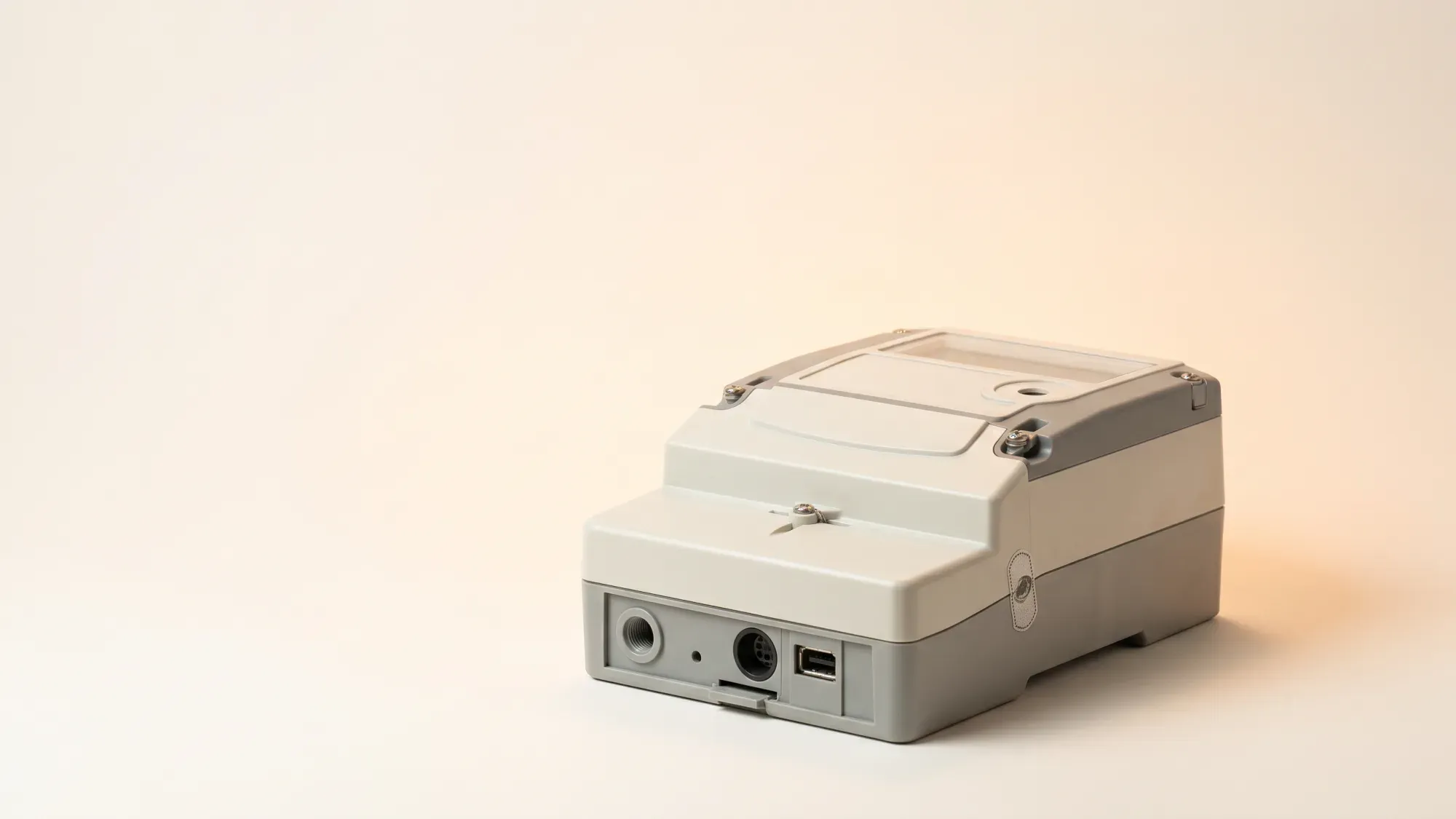
Accurately reading your energy meter is a straightforward task that puts you in control of your energy bills and usage. Understanding how to take a meter reading ensures you are only paying for the energy you actually use, avoiding estimated bills that can be higher or lower than your actual consumption. This guide covers how to read common electricity and gas meters in the UK, including digital, dial, and smart meters.
Enter your address to get a quote and see how much you could save
Why accurate meter readings matter
Knowing how to read your meter is a fundamental step towards managing your home energy. It provides transparency and control, ensuring your energy account reflects your actual usage.
Ensuring correct bills
Submitting regular, accurate meter readings directly impacts the precision of your energy bills. Without them, your supplier may rely on estimated readings, which can lead to overpaying or underpaying for your energy. Over time, these discrepancies can accumulate, leading to unexpected higher bills when an actual reading is eventually taken.
Empowering your energy decisions
Understanding your energy consumption empowers you to make informed decisions about your usage. By regularly checking your meter, you can track how much electricity and gas you are using, identify patterns, and pinpoint areas where you might be able to reduce consumption. This insight is a key 'power play' in managing your household budget and environmental impact. The average UK home uses around 2,500 kWh of electricity per year and approximately 9,500 kWh of gas per year1. Knowing your own usage against these benchmarks can be very insightful.
Smooth switching between suppliers
When you switch energy suppliers, an accurate final meter reading is crucial. This ensures your old supplier bills you correctly up to your switch date and your new supplier starts billing from the correct point. Inaccurate readings during a switch can cause delays or billing disputes, making the process more complicated than it needs to be.
Reading your electricity meter
Electricity meters come in several forms, each requiring a slightly different approach to get an accurate reading.
Digital electricity meters
Most modern electricity meters are digital, displaying your reading as a series of numbers.
- Single-rate digital meters: These are the most common. You will see a single row of numbers, usually black on a white background, or white on a black background. Simply read the numbers from left to right, ignoring any numbers after a decimal point or in a red box. For example, if you see 00543.7, your reading is 00543.
- Digital meters with buttons: Some digital meters have a button to cycle through different displays. Press the button until you see 'TOTAL' or 'READ' followed by a series of numbers. Record these numbers from left to right, ignoring any digits after a decimal point.
Dial electricity meters
Dial meters are older and can be trickier to read due to the multiple clock-like dials.
- Identify the dials: Most dial meters have five or six small dials arranged in a row.
- Read from left to right: For each dial, record the number that the pointer has just passed.
- Pointer direction: Pay close attention to the direction each pointer is moving. They often alternate between clockwise and anti-clockwise. If a pointer is exactly between two numbers (e.g., between 4 and 5), look at the dial to its right. If that dial has passed zero, then record the higher number (e.g., 5). If the dial to its right has not yet passed zero, record the lower number (e.g., 4).
- Ignore red dials: Some meters may have a red dial or a dial marked '1/10'. Ignore these.
Multi-rate (Economy 7) meters
Multi-rate meters, often used for Economy 7 tariffs, record electricity usage at different rates (e.g., day and night). These meters will have two rows of numbers or two separate displays.
- Digital multi-rate meters: You'll typically see two sets of numbers, often labelled 'Rate 1' and 'Rate 2', or 'Day' and 'Night'. Record both sets of numbers from left to right, ignoring decimals. You might need to press a button to cycle between the rates.
- Dial multi-rate meters: These will have two sets of dials. Read each set of dials separately, following the instructions for standard dial meters. Make sure to clearly label which reading corresponds to which rate (e.g., 'Rate 1' and 'Rate 2').
Reading your gas meter
Similar to electricity meters, gas meters also come in digital and dial versions. Gas readings are typically in cubic metres (m³) or cubic feet (ft³).
Digital gas meters
Digital gas meters are generally straightforward to read.
- Read the numbers: Look for a display showing a series of numbers, usually black on white. Read the numbers from left to right.
- Ignore red numbers or decimals: Disregard any numbers displayed in red or after a decimal point. For example, if you see 00123.456, your reading is 00123.
Dial gas meters
Reading a dial gas meter follows the same principles as an electricity dial meter.
- Identify the dials: Most have four or five dials.
- Read from left to right: For each dial, record the number the pointer has just passed.
- Pointer direction: Be mindful of the alternating direction of the pointers (clockwise/anti-clockwise). If a pointer is exactly between two numbers, check the dial to its right. If that dial has passed zero, record the higher number; if not, record the lower number.
- Ignore '1/10' dials: Do not record any dials marked '1/10' or displayed in red.
Understanding cubic metres vs cubic feet
Gas meters measure consumption in either cubic metres (m³) or cubic feet (ft³). Most modern meters read in cubic metres. Your energy bill, however, will show your gas usage in kilowatt-hours (kWh). This means your supplier converts the cubic units into kWh.
How is gas consumption converted to kWh?
Gas meter readings in cubic metres (m³) are converted to kilowatt-hours (kWh) using a specific formula. The volume of gas (in m³) is multiplied by a volume correction factor (typically 1.02264), then by the gas's calorific value (often around 39.5 MJ/m³), and finally divided by 3.6 to convert megajoules (MJ) to kWh. This results in an approximate conversion factor of 11.186.
If your meter reads in cubic feet, the conversion is slightly different but your supplier handles this automatically. You just need to provide the numbers shown on your meter.
Smart meters: what you need to know
Smart meters are designed to simplify energy management by automatically sending readings to your supplier. However, it's still useful to know how they work and how to check them manually.
How smart meters work
Smart meters automatically send your electricity and gas readings to your energy supplier, often daily or half-hourly. This eliminates the need for manual submissions and helps ensure your bills are accurate. This technology is also part of an industry-wide effort to replace older meter types, such as Radio Teleswitch Service (RTS) meters, which began phasing out on 30 June 2025. Your current supplier is responsible for replacing these legacy meters with smart meters.
Checking your smart meter display
Even though smart meters send readings automatically, you can still view your current usage on the meter's display or your in-home display (IHD).
- On the meter: Most smart meters have buttons (often 'A' and 'B' or 'OK' and 'Back') that allow you to navigate through different screens. Look for a screen that displays 'READ', 'TOTAL', or 'METER READING'. For electricity, this will usually be in kWh. For gas, it will be in m³.
- In-home display (IHD): Your IHD provides real-time information on your energy consumption in kWh and often in pounds and pence. While it shows your usage, it usually doesn't display the official meter reading your supplier uses. Always refer to the meter itself for the definitive reading.
What if your smart meter is offline?
Sometimes, a smart meter might temporarily lose connection and stop sending automatic readings. If this happens, your supplier may request a manual reading.
- Check the display: Your smart meter's display might show a message indicating it's offline or has a communication issue.
- Take a manual reading: Follow the instructions above for digital meters to take a reading directly from your smart meter.
- Contact your supplier: If your smart meter remains offline for an extended period, contact your energy supplier. They can often troubleshoot the issue remotely or arrange for an engineer visit.
Submitting your meter reading
Once you have your accurate meter reading, submitting it to your energy supplier is usually a quick process.
Online and app submissions
Most energy suppliers offer several convenient ways to submit your meter readings:
- Online account: Log in to your energy supplier's website and look for a section like 'Submit a meter reading' or 'My readings'.
- Mobile app: Many suppliers have dedicated mobile apps where you can easily enter your readings. Fuse Energy's app, for example, simplifies smart meter management and reading submission, making energy effortless.
- Automated phone line: Some suppliers provide a 24/7 automated phone service where you can key in your readings.
- Customer service: If you prefer, you can speak to a customer service representative, though this might involve waiting times. Fuse Energy offers 24/7 human customer support if you encounter difficulties.
When to submit readings
It's generally recommended to submit meter readings at least once a month, ideally around the same date each month. This ensures your bills are consistently accurate. You should also submit a reading:
- When you move into a new home.
- When you move out of a property.
- When you switch energy suppliers.
- If your supplier requests a reading.
Troubleshooting common issues
If you struggle to read your meter or encounter problems, here are some tips:
- Lighting: Use a torch if your meter is in a dark cupboard or cellar.
- Accessibility: If your meter is hard to reach, use a mirror or take a photo with your phone.
- Unsure of meter type: If you're unsure what type of meter you have, take a photo and send it to your supplier, or describe it to their customer service team.
- Still stuck? Don't hesitate to contact your energy supplier. They can guide you through the process over the phone or arrange for an engineer to visit if necessary. Remember, while submitting a reading is important, its acceptance depends on supplier validation and tariff details.
Taking control of your energy usage starts with understanding your meter. Fuse Energy is here to make managing your home energy simple and transparent. With clear pricing, real-time usage data in the app, and a human support team ready to help, you can take charge of your bills. Switch to Fuse Energy today and experience energy management designed around you. Click here to get started.
References
Disclaimer
For the avoidance of doubt, this article is provided for informational purposes only and is not intended to constitute legal or financial advice. The author and/or Fuse Energy shall not be responsible for any losses arising out of any reliance on the information contained herein.