How much electricity does a TV use?
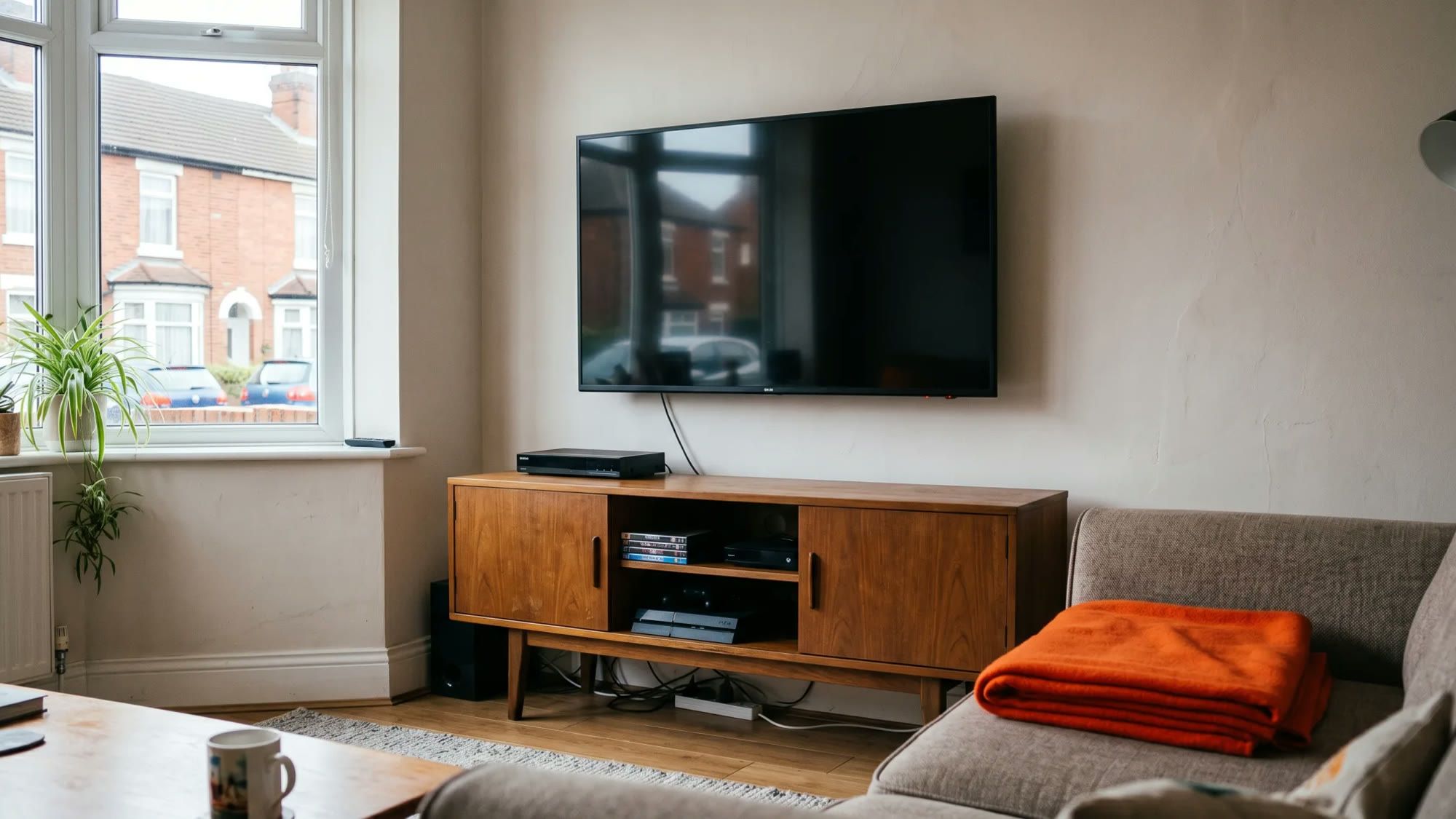
Understanding your television's electricity consumption is key to managing household energy costs. This guide will help you demystify how much electricity your TV uses, the factors that influence it, and practical ways to reduce its consumption without compromising your viewing experience.
Managing your home's energy use, including appliances like your TV, can lead to noticeable savings on your bills. Fuse Energy empowers customers with knowledge and control over their energy use, providing tools and transparent pricing to help you understand and manage your consumption.
How much electricity does a TV use? Here's how that connects to your home supply: With Fuse Energy, you get clear pricing, real-time usage data, 24/7 human customer support, and a modern energy experience designed around you. Signing up takes just a few minutes, so you can take control of your bills from day one. Click here to switch to Fuse Energy today and start saving.
Enter your address to get a quote and see how much you could save
Understanding your TV's electricity consumption
Knowing how much power your TV draws is the first step to taking control of your energy bill. Modern televisions, particularly larger and higher-resolution models, generally consume more electricity than older, smaller sets.
Average TV electricity usage by type and size
The electricity usage of a television varies significantly based on its size and technology. For instance, a 50-inch LED TV typically consumes approximately 60 to 100 watts (W) when in use. Taking an average of 80W, this translates to 0.08 kilowatt-hours (kWh) of electricity per hour. At the current Ofgem Price Cap1 of 26.11p per kWh for the period 1 July to 30 September 2026, running this TV costs around 2.1p per hour. Larger screens and advanced technologies like OLED or 4K can increase this consumption.
Calculating your TV's hourly and daily cost
To calculate your TV's hourly cost, you need its wattage (W), which is usually found in the user manual or on a label on the back of the set. Convert watts to kilowatts (kW) by dividing by 1,000. Then, multiply the kW by the current electricity unit rate (e.g., 26.11p/kWh) to get the hourly cost. For example, a 100W TV uses 0.1 kWh per hour, costing 2.61p per hour at the current price cap.
To find the daily cost, multiply the hourly cost by the number of hours you use the TV each day.
Factors affecting TV electricity usage
Several factors influence how much electricity your television consumes, making it important to consider more than just screen size.
Screen technology and size
Different screen technologies have varying energy demands. Plasma TVs, for example, are generally far less energy-efficient than modern LED or OLED models. Larger screen sizes inherently require more power to illuminate, leading to higher electricity consumption. A 65-inch TV will almost always use more electricity than a 32-inch model, even if they use the same technology.
Brightness and picture settings
The brightness level of your TV is a significant factor in its energy use. Higher brightness settings demand more power. Many modern TVs include 'eco modes' or 'energy-saving settings' that automatically adjust brightness and other picture parameters to reduce consumption without drastically impacting viewing quality. Dynamic contrast and other advanced picture processing features can also increase power draw.
Connected devices and peripherals
The total energy consumption of your entertainment setup extends beyond just the TV. Gaming consoles, soundbars, streaming devices, and set-top boxes all draw power. Even when not actively in use, many of these peripherals consume electricity in standby mode, adding to your overall energy bill.
Age of the television
Older televisions, particularly those manufactured before stringent energy efficiency standards were widely adopted, tend to be less energy-efficient than newer models. Technological advancements have led to significant improvements in power consumption for modern TVs, meaning an upgrade could offer long-term savings.
The impact of standby mode
Even when you switch off your television, it might still be drawing power. This 'phantom load' or 'vampire drain' from standby mode can accumulate over time.
How much electricity does a TV use on standby?
Many modern TVs consume between 0.5W and 3W in standby mode. While this might seem negligible, it represents a continuous draw of electricity, 24 hours a day, seven days a week, if the device remains plugged in.
What is phantom load?
Phantom load, also known as vampire drain or standby power, refers to the electricity consumed by electronic devices when they are switched off but still plugged in. This continuous, low-level power draw can add up over time, contributing unnecessarily to your household energy bill.
Cumulative cost of standby power
Consider a TV that draws 1W in standby mode. Over a year, this equates to 8.76 kWh (1W x 24 hours x 365 days / 1000). At the current Ofgem Price Cap of 26.11p/kWh, that's an annual cost of approximately £2.29 just for standby power. While this might seem small for a single appliance, the cumulative effect of multiple devices in standby across your home can become a measurable part of your energy bill.
Practical tips to reduce TV electricity consumption
Reducing your TV's electricity usage doesn't mean sacrificing your viewing pleasure. Small changes in settings and habits can make a difference.
Adjusting picture settings for efficiency
Check your TV's settings menu for an 'eco mode' or 'power-saving' option. Activating this can automatically optimise brightness and contrast for lower energy consumption. Manually reducing the backlight or brightness can also significantly cut power draw, especially in darker rooms where high brightness isn't necessary.
Using smart plugs and timers
Smart plugs allow you to cut power completely to your TV and connected peripherals when not in use, eliminating standby drain. You can control them via an app or set schedules to automatically switch off devices overnight or when you're typically out of the house. Timers can serve a similar purpose for non-smart setups.
Unplugging unused devices
For devices that don't have smart plug compatibility or aren't used frequently, simply unplugging them from the wall socket is the most effective way to prevent phantom load. This applies to gaming consoles, chargers, and other media players that might otherwise sit in standby.
Choosing an energy-efficient TV
When purchasing a new television, pay close attention to its energy efficiency rating. Look for models with a high energy rating (e.g., A or B under the new EU energy label system) and compare their estimated annual energy consumption. Newer models often incorporate more efficient display technologies and power management features.
Taking control of your home energy
Understanding your TV's energy use is just one piece of the puzzle. Effective household energy management involves a broader approach to monitoring and optimising consumption.
Monitoring with smart meters and apps
Smart meters provide real-time data on your electricity and gas consumption, offering invaluable insights into how much energy your appliances, including your TV, are actually using. Fuse Energy's app provides clear insights into energy consumption, helping customers understand how much electricity their TV and other appliances use. This visibility allows you to identify energy-hungry devices and adjust your habits accordingly. If you don't have one, you can learn more about smart meter installation.
Overall household energy management
The average UK home uses around 2,500 kWh of electricity per year. By understanding individual appliance usage, like a TV, you contribute to a more effective overall household energy management strategy. This includes optimising heating and cooling, using energy-efficient lighting, and being mindful of other appliance usage. Taking these steps empowers you to manage your energy strategically, leading to greater control over your bills. You can also stay informed about changes to your energy costs by understanding the energy price cap explained.
Managing your energy bills should be clear and easy to understand. Fuse Energy focuses on straightforward pricing, so you can see exactly what you're paying without unnecessary complexity. If you have a smart meter, you can view detailed usage data through the app or website, helping you understand how you can lower your bills. If you don't have a smart meter, Fuse Energy can upgrade your non-smart meter, completely for free. This can make it easier to track spending and make informed decisions about your energy use. Our 24/7 human support team is always on hand with fast response times whenever you need help. Click here to switch to Fuse Energy today. Find out about our mission by clicking here.
References
Disclaimer
For the avoidance of doubt, this article is provided for informational purposes only and is not intended to constitute legal or financial advice. The author and/or Fuse Energy shall not be responsible for any losses arising out of any reliance on the information contained herein.