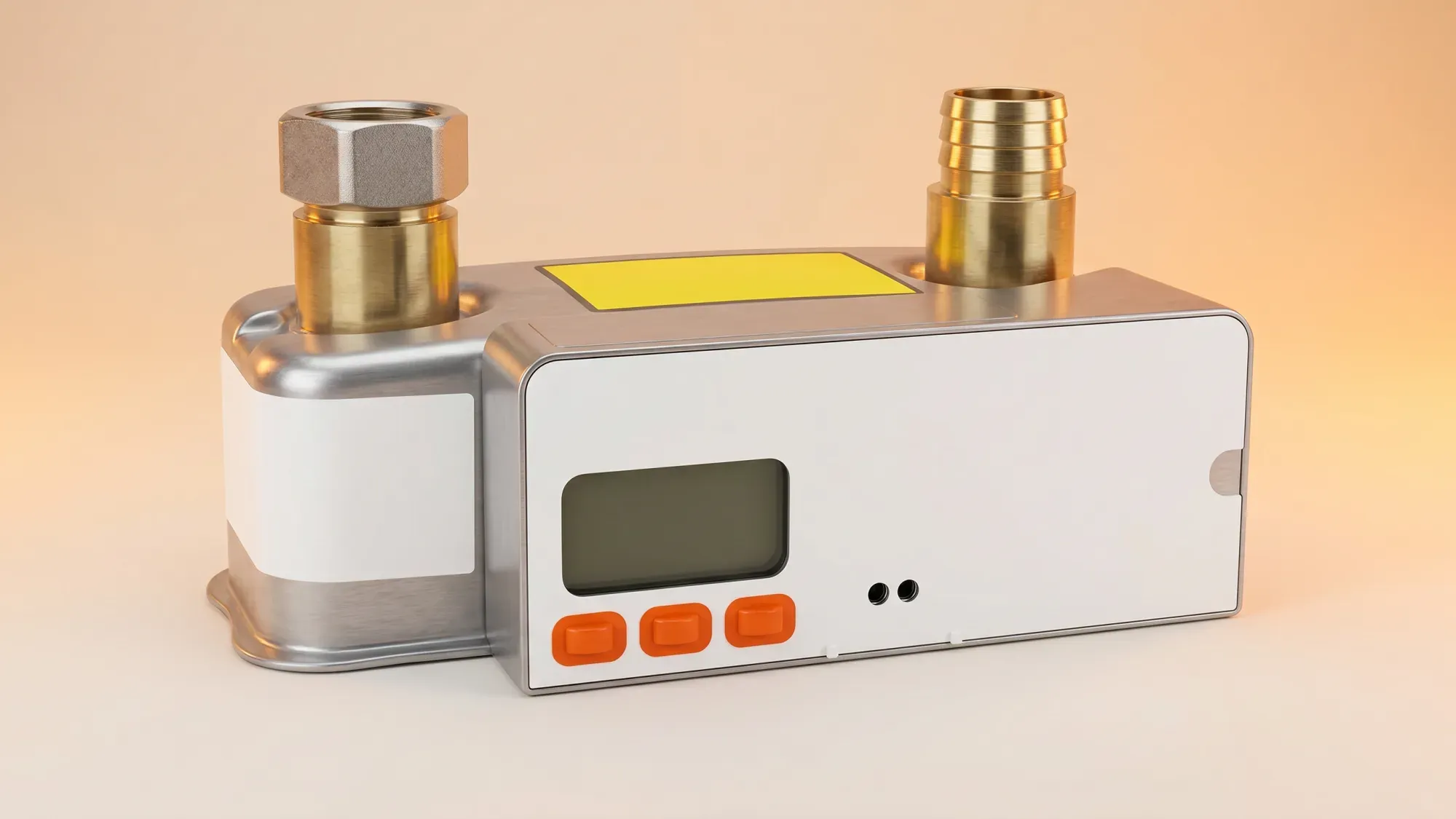
A blank gas meter screen can be unsettling, leaving homeowners anxious about their gas supply and billing. While often a simple power-saving feature, it can sometimes signal a more serious issue, particularly for older smart meters. This guide will walk you through troubleshooting steps, explain common causes, and clarify when to contact your energy supplier.
Managing your home's energy should be straightforward, even when issues arise with your gas meter. Fuse Energy provides clear information and 24/7 human customer support to help you understand and resolve problems quickly. Click here to switch to Fuse Energy today.
Your gas meter's screen might be blank for several reasons, ranging from simple power-saving functions to more critical battery failures. Understanding the cause is the first step to resolving the issue.
Power-saving mode: a normal function
Many modern gas meters are designed to conserve their internal battery life by turning off the display when not in use. This is a normal function, and your meter may simply be in power-saving mode. In this common scenario, your gas supply remains active and unaffected.
Low or dead battery: a critical distinction
Unlike electricity meters, which draw power from the mains, gas meters operate on an internal battery. A blank screen can indicate that this battery is either low or completely depleted. The battery in a gas meter is not a user- or engineer-replaceable part; it is sealed inside the meter. When the battery is depleted or failing, the resolution is to replace the whole gas meter (a meter exchange), never a battery swap.
Before contacting your supplier, there are a few simple steps you can take to diagnose the issue.
Attempt to wake the display
Most gas meters in power-saving mode can be reactivated by pressing and holding a button on the meter for about 10 seconds. If the display lights up, your meter is likely functioning as intended to conserve battery.
Check your gas supply
If the screen remains blank after attempting to wake it, verify if your gas supply is still active. Try turning on a gas appliance, such as your central heating or a gas hob. If your appliances are working, your gas supply is still on, and the issue is likely confined to the meter's display.
Locate your meter's serial number
Should the screen remain blank, locate your meter's serial number (MSN). This unique identifier is usually printed on a sticker or etched directly onto the meter casing. Note this number, along with any visible error codes, as your energy supplier will need this information.
While some blank screens are minor, others require professional attention. Knowing when to escalate the issue is crucial.
Persistent blank screen or no gas supply
If your gas meter screen remains blank despite your troubleshooting efforts, or if you have no gas supply, it is time to contact your energy supplier. A persistent blank screen could lead to estimated bills, while a loss of supply is a more urgent concern.
Specific concerns for SMETS1 gas meters
For SMETS1 ('S1') smart gas meters, a fully dead battery will cause an internal safety valve to close automatically. This means that if the battery in an SMETS1 gas meter dies completely, your gas supply will be cut off until the meter is exchanged. This is a deliberate safety mechanism, not a fault.
Safety concerns and gas leaks
If you suspect a gas leak (e.g., you smell gas), or if you have any other immediate safety concerns related to your meter or gas supply, do not delay. Call the National Gas Emergency Service on 0800 111 999 immediately. If you smell gas, do not smoke or light matches, avoid turning electrical switches on or off, open doors and windows, and turn off the meter at the control handle if it is safe to do so. Evacuate the property if necessary.
When you contact your energy supplier about a blank gas meter screen, they will guide you through the next steps.
Meter readings and estimated billing
Smart gas meters typically provide one daily cumulative reading to your supplier. If your meter's screen is blank and it is not sending readings, your supplier may have to estimate your usage for billing purposes. This can lead to inaccuracies, so resolving the blank screen issue is important for accurate billing.
Meter exchange process
As the battery in a gas meter is not replaceable, a dead or failing battery necessitates a full meter exchange. Your energy supplier will arrange for an engineer to visit your property and replace the entire gas meter. This process ensures your meter is fully functional and your readings are accurate.
Understanding your rights and support
Your energy supplier is responsible for ensuring your meter works correctly. They should provide clear information and support throughout the process of diagnosing and resolving a meter issue. Fuse Energy offers 24/7 human customer support to assist with urgent meter issues, ensuring you are never left without assistance.
Taking a proactive approach can help prevent future issues with your gas meter.
Regular meter checks
Periodically check your gas meter's display to ensure it is active. If it is in power-saving mode, press a button to wake it up and confirm it is functioning correctly. This simple habit can help you spot potential issues early.
Keeping your supplier updated
If you notice any unusual behaviour with your meter, such as intermittent blanking or difficulty waking the display, inform your energy supplier. Keeping them updated can help them monitor your meter's health and proactively address any emerging problems.
Leveraging smart meter capabilities
The Fuse app provides insights into meter status and billing, offering information even if the physical meter display is blank. This transparency empowers you with knowledge and actionable steps, demystifying energy issues and helping you manage your home's energy more effectively.
Managing your energy bills should be clear and easy to understand. Fuse Energy focuses on straightforward pricing, so you can see exactly what you are paying without unnecessary complexity. If you have a smart meter, you can view detailed usage data through the app or website, helping you understand how you can lower your bills. If you do not have a smart meter, Fuse Energy can upgrade your non-smart meter, completely for free. This can make it easier to track spending and make informed decisions about your energy use. Our 24/7 human support team is always on hand with fast response times whenever you need help. Click here to switch to Fuse Energy today. Find out about our mission by clicking here.