Electric meter reading: how to read yours
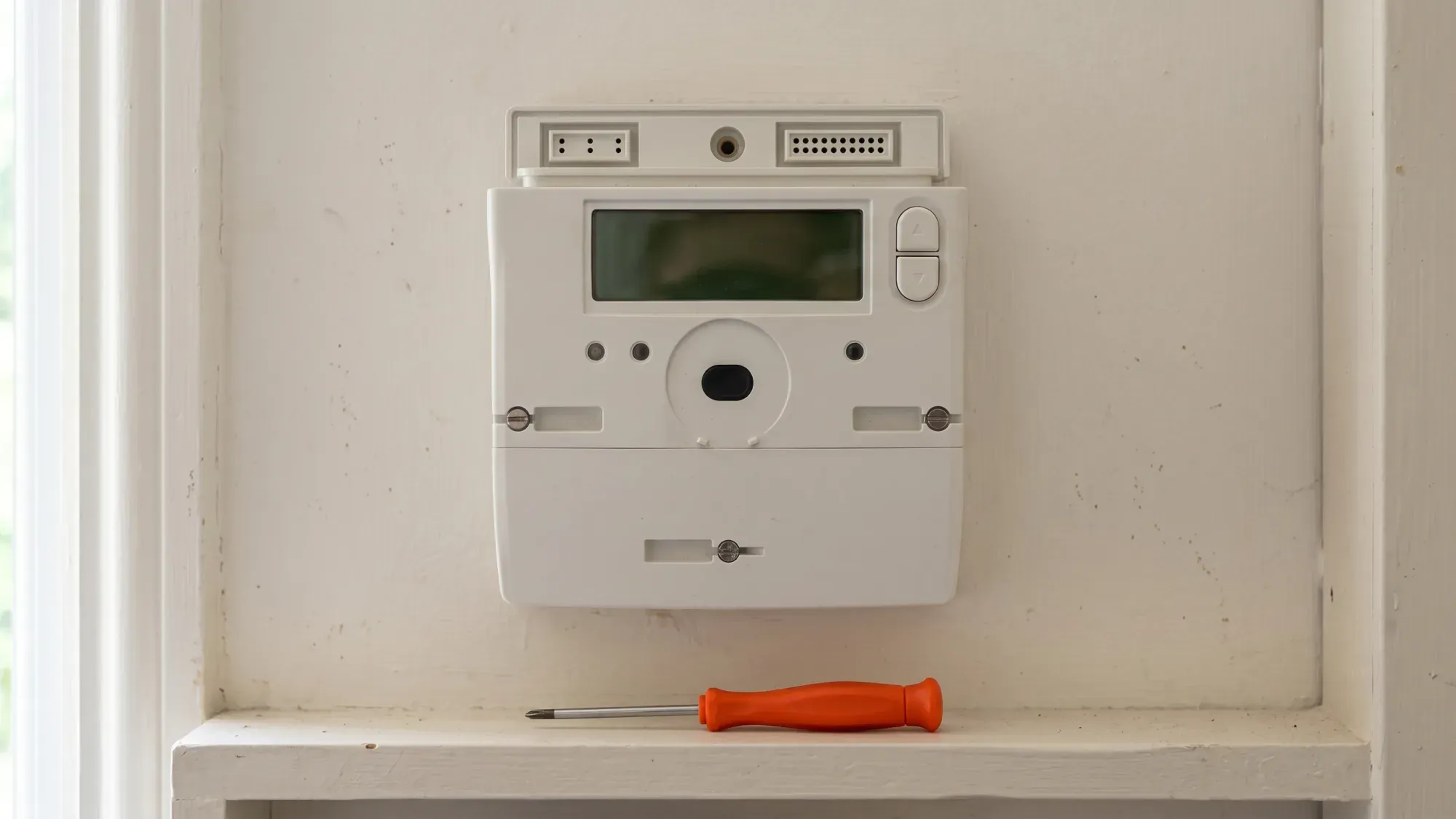
Accurate electricity meter readings are crucial for correct billing in the UK, ensuring you only pay for the energy you use. This guide provides clear, step-by-step instructions for reading various types of electricity meters found in UK homes, from traditional dial meters to the latest smart meter models. Understanding how to read your meter empowers you to monitor your usage and verify your bills.
Managing your energy bills should be clear and easy to understand. Fuse Energy focuses on straightforward pricing, so you can see exactly what you're paying without unnecessary complexity. Click here to switch to Fuse Energy today.
Enter your address to get a quote and see how much you could save
Why accurate meter readings matter
Submitting regular, accurate meter readings is fundamental to managing your energy costs effectively. Without them, you risk receiving estimated bills, which can lead to unexpected charges or overpayments.
Understanding your bill
Your energy bill is calculated based on the amount of electricity you have consumed, measured in kilowatt-hours (kWh). An accurate meter reading directly reflects your actual usage, ensuring your bill precisely matches the energy you have used. This transparency helps you understand where your money is going and identify any unusual spikes in consumption.
Avoiding estimated bills
If your energy supplier does not receive regular meter readings, they will issue estimated bills. These estimates are based on your past usage patterns or the average consumption for a property of your size. While convenient, estimated bills can be inaccurate, potentially leading to you paying too much or too little. Overpaying means your money is tied up with the supplier, while underpaying can result in a large catch-up bill later. Regular, accurate readings prevent these billing surprises.
Identifying your electricity meter type
Before you can read your meter, you need to know what type you have. UK homes typically feature one of three main types: traditional dial meters, digital meters, or smart meters.
Traditional dial meters
These older meters feature several clock-like dials, each with a pointer indicating a number from 0 to 9. They require careful reading to ensure accuracy.
Digital meters
Digital meters display your reading as a series of numbers on an electronic screen. They are more common than dial meters and can be single-rate (showing one total) or multi-rate (e.g., Economy 7, showing different rates for peak and off-peak usage).
Smart meters
Smart meters are the newest generation, designed to automatically send readings to your supplier. They typically have a digital display and buttons for navigating menus. While they send readings automatically, knowing how to read them manually provides you with control and verification.
How to read traditional electricity meters
Reading traditional meters requires a specific approach to ensure you capture the correct figures.
Reading a dial meter
To read a dial meter, you will see a series of five or more small clock-like dials.
- Read the dials from left to right.
- For each dial, note the number the pointer has just passed. If the pointer is between two numbers, always record the lower number.
- If a pointer is exactly on a number, record that number. However, if the next dial's pointer is between 9 and 0, you should take one away from the number you just recorded for the current dial.
- Ignore any red dials or dials marked 1/10.
Reading a digital meter (single rate)
Digital meters are generally easier to read than dial meters.
- Simply read the numbers displayed from left to right.
- Crucially, ignore any numbers in red or those after a decimal point, as these typically represent fractions of a kWh that your supplier does not need for billing.
Reading an Economy 7 meter
Economy 7 meters are a type of digital meter that records electricity usage at two different rates: a cheaper off-peak rate (usually overnight) and a standard peak rate (during the day).
- Your meter will typically have a button to cycle through the displays. Press this button until you see the 'Rate 1' (or 'Low' / 'Night') reading and the 'Rate 2' (or 'Normal' / 'Day') reading.
- Record both sets of numbers, ignoring any red digits or decimal places. You will need to submit both readings to your supplier.
How to read your smart meter
Even though smart meters send readings automatically, knowing how to read them manually is useful for checking your usage or if there is a communication issue.
General smart meter reading
Most smart meters have a digital display and one or more buttons.
- Press a button (often labelled 'A' or 'OK') to wake up the display.
- Cycle through the screens using the buttons until you find the total electricity consumption, usually labelled 'TOTAL Act Import' or similar, followed by "kWh".
- Record the numbers from left to right, ignoring any digits after the decimal point.
- If you have a multi-rate smart meter (like for an Economy 7 tariff), you will need to cycle through to find both Rate 1 (R1) and Rate 2 (R2) readings.
Specific smart meter models (Kaifa, Landis, honeywell, EDMI)
Different smart meter manufacturers have slightly different navigation methods.
Kaifa smart meters
For Kaifa smart meters, readings for R1 (Rate 1) and R2 (Rate 2) are found by navigating through the menu to 'TOU Register'.
- Press the Up button to enter the menu.
- With the arrow at 'General Display', press and hold Up.
- Press Down to 'Tariff Matrix'; with the arrow at 'Tariff Matrix', press and hold Up.
- With the arrow at 'TOU Register', press and hold Up. You will see 'T01' for R1 and 'T02' for R2.
Landis smart meters
On Landis smart meters, you can access the Tariff Display List and cycle through rates.
- Press button A to wake the screen. You should see "TOTAL Act Import".
- If you are on a multi-rate tariff, hold button B for 5-10 seconds until 'RATE 01 ACT' appears. Then press button A to cycle through to 'RATE 02 ACT' (and 'RATE 03 ACT' if applicable).
Honeywell smart meters
Honeywell smart meters require pressing the top button to wake the display, then the bottom button to navigate to 'Registers' and view 'Imp R1' and 'Imp R2'.
- Press the top button (A) to wake the display and open the 'General' menu.
- Press the bottom button (B) to step through: 'General' → 'Boost' → 'Registers'; press top (A) to select 'Registers'.
- Press bottom (B) to step through: 'Cumulative' → 'Rates in Use' → 'Rates 1-48'; press top (A) to select 'Rates 1-48'.
- Press bottom (B) to step through 'Imp R1', 'Imp R2', etc. For a single-rate tariff, read 'Imp R1'. For a two-rate tariff, read both 'Imp R1' and 'Imp R2'.
EDMI smart meters
EDMI smart meters display readings for Rate 1 and Rate 2 by holding OK to enter the 'Billing' menu, then navigating to 'Advanced' and 'TOUmtrx'.
- Hold OK until 'Billing' appears (Main Menu); hold OK to enter 'Billing'.
- Use the arrows to scroll to 'Advanced' (two pushes of >); hold OK to enter. 'TOUmtrx' will appear.
- Hold OK to enter the 'TOU matrix' sub-menu; 'RATE1' will appear.
- Use the arrows to view 'Rate 1' and 'Rate 2'.
What to do with your meter reading
Once you have your accurate meter reading, the next step is to submit it to your energy supplier.
Submitting your reading to Fuse Energy
For Fuse Energy customers, submitting your reading is straightforward. If you have a connected smart meter, readings are sent automatically, so manual submission is usually unnecessary. However, if you need to submit a reading manually, you can do so via the Fuse Energy app. You can either type in your meter reading or take a photo of it, and the app will handle the rest. Submitting your reading on the 1st of the month helps ensure the most accurate bill calculation.
Understanding your energy usage
Regularly checking your meter readings helps you understand your energy consumption patterns. The average UK home uses around 2,500 kWh of electricity per year, which translates to roughly 6.8 kWh per day, according to Ofgem's medium typical domestic consumption value, effective since 1 July 2026. By comparing your readings to this benchmark and your own historical usage, you can identify trends, pinpoint periods of high consumption, and make informed decisions about managing your energy use.
Troubleshooting common meter reading issues
Sometimes, reading your meter can be confusing. Here's how to tackle common problems.
What numbers to ignore
A frequent pitfall is recording incorrect digits. On many digital meters, you should ignore any red digits or numbers after a decimal point, as these are usually fractions of a kilowatt-hour. Similarly, on dial meters, disregard any red dials or those marked '1/10'. Focusing only on the whole numbers before the decimal ensures your reading is accurate for billing.
Why should I ignore red numbers on my electricity meter?
Red numbers or digits after a decimal point on your electricity meter typically represent fractions of a kilowatt-hour (kWh). Energy suppliers usually only require the whole numbers for billing purposes. Ignoring these ensures you provide the precise reading needed, preventing potential billing discrepancies and making the reading process simpler.
Dealing with a faulty meter
If you suspect your meter is faulty (e.g., the display is not working, it is making unusual noises, or you believe it is recording usage incorrectly), do not attempt to fix it yourself. Contact your energy supplier immediately. They can arrange for an engineer to inspect or replace the meter. Ofgem regulates the UK energy market, ensuring meter accuracy and fair billing practices.
When to contact your supplier
You should contact your energy supplier if:
- You cannot locate your meter.
- You are unsure how to read your specific meter type after following these instructions.
- Your meter appears faulty or damaged.
- You have an Economy 7 meter and are unsure which reading is which.
- You have submitted a reading, but your bill is still estimated.
They can provide specific guidance or arrange for assistance to ensure your readings are accurate and your bills are correct.
Understanding your energy usage and bills is key to managing your home's energy. Fuse Energy makes it simple with clear pricing, real-time usage data in the app, and 24/7 human support. Our digital-first approach helps you stay on top of your energy consumption and costs.
Disclaimer
For the avoidance of doubt, this article is provided for informational purposes only and is not intended to constitute legal or financial advice. The author and/or Fuse Energy shall not be responsible for any losses arising out of any reliance on the information contained herein.