Avoid smart meter overcharging: clock change guide
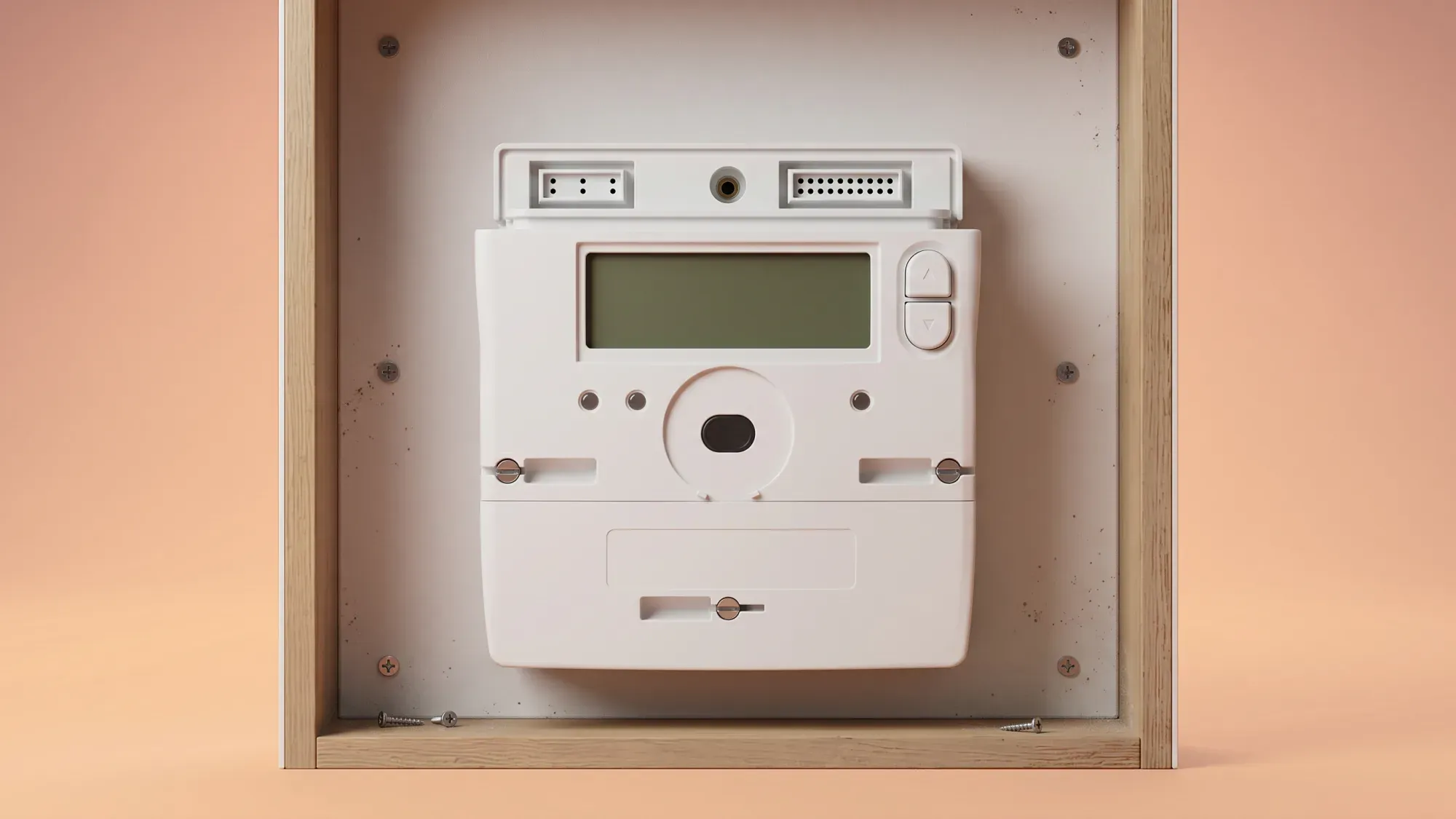
Smart meters are designed to simplify energy management, but when the clocks change for British Summer Time (BST) or Greenwich Mean Time (GMT), many UK homeowners worry about potential overcharging, especially those on multi-rate tariffs. This guide empowers you with clear, actionable steps to verify your smart meter's accuracy and prevent billing discrepancies during clock changes. Fuse Energy provides transparent access to your energy usage data through its app, empowering you to monitor consumption and identify any anomalies after clock changes. Our 24/7 human customer support team offers robust assistance for complex meter issues or suspected overcharging.
Thinking about Avoid smart meter overcharging? With Fuse Energy, you get clear pricing, real-time usage data, 24/7 human customer support, and a modern energy experience designed around you. Signing up takes just a few minutes, so you can take control of your bills from day one. Click here to switch to Fuse Energy today and start saving.
Enter your address to get a quote and see how much you could save
How smart meters handle clock changes
Automatic adjustment for BST and GMT
Most modern smart meters are designed to automatically adjust for Daylight Saving Time (DST) changes, seamlessly switching between GMT and BST. This automatic synchronisation should ensure your energy consumption is recorded against the correct time of day without manual intervention. Smart meters automatically send your electricity and gas meter readings to your supplier, providing accurate bills and removing the need for manual submissions.
Why issues can still arise
Despite their design for automatic adjustment, smart meters can sometimes experience glitches after a clock change. These issues might include the meter displaying the wrong time, failing to switch between peak and off-peak rates correctly, or even stopping sending readings entirely. Such problems can lead to incorrect charges on your energy bill, as your usage might be recorded at the wrong tariff rate or estimated inaccurately. An incorrect meter serial number (MSN) can also lead to being billed for another property's usage.
Economy 7 and multi-rate tariff concerns
Understanding peak and off-peak switching
Multi-rate tariffs, such as Economy 7, are particularly sensitive to clock changes because they depend on precise time-of-use metering. These tariffs charge different rates for peak and off-peak electricity. If your meter's internal clock is out of sync, your peak and off-peak periods will be misaligned, resulting in incorrect charges. This can lead to your daytime usage being charged at cheaper night rates, or, more commonly, your night usage being charged at more expensive day rates, leading to significant overcharging. Some Economy 7 meters are set to GMT all year round, meaning their off-peak hours shift relative to BST.
The radio Teleswitch service (RTS) phase-out
The Radio Teleswitch Service (RTS) uses a radio signal to tell some older electricity meters when to switch between peak and off-peak rates. This service, introduced in the 1980s, is reaching the end of its operational life, and the signal began its phased switch-off from 30 June 2025. If you have an RTS meter, your energy supplier should have contacted you to arrange a free upgrade to a smart meter. Failure to replace an RTS meter before the signal is switched off in your area could lead to disruption in heating or hot water supply, or incorrect billing due to misaligned peak and off-peak times. Ofgem is working with energy suppliers to ensure a coordinated and controlled phase-out, with suppliers responsible for protecting and supporting affected customers.
Your step-by-step check for accuracy
Verify your in-home display (IHD)
Your smart meter's in-home display (IHD) should show your current energy usage and the correct time. Immediately after a clock change, check that the time displayed on your IHD is accurate. If the time is incorrect, it could indicate a synchronisation issue that might affect your billing, especially on multi-rate tariffs.
Monitor your meter readings and bills
Regularly monitor your energy usage data, either through your IHD, your energy supplier's app, or by taking manual readings from your meter. Compare these readings with your energy bills to ensure consistency. Smart meters typically send readings automatically, often at midnight, but manual readings can be submitted if you suspect an issue. If your smart meter isn't sending automatic readings, your bills will be estimated, which can lead to inaccuracies.
What to look for: red flags
Look out for several red flags that could indicate a problem:
- Unexpectedly high bills: A sudden jump in your energy costs without a corresponding increase in usage could signal an issue.
- Estimated bills: If you have a smart meter but are consistently receiving estimated bills, it means your meter isn't communicating correctly.
- Incorrect peak/off-peak switching: For multi-rate tariffs, verify that your meter is switching between rates at the correct times after a clock change.
- Meter display issues: A blank screen, incorrect time, or unresponsive display on your meter or IHD can indicate a fault.
- Incorrect meter serial number: Check that the meter number on your bill matches the one on your physical meter to ensure you're not being charged for someone else's usage.
What to do if you suspect overcharging
Gather your evidence
If you suspect an overcharge or billing error, start by gathering all relevant evidence. This includes dated photographs of your meter readings, screenshots from your IHD or energy app, and copies of your energy bills highlighting the discrepancies. Note down the dates and times of any issues you observe.
Contact your energy supplier
With your evidence in hand, contact your energy supplier promptly. Explain the issue clearly, providing all the details you've collected. They may be able to resolve the problem remotely or arrange for a technician visit. Keep a record of all communications, including dates, times, names of people you speak to, and a summary of the discussion.
What should I do if my smart meter isn't working?
If your smart meter isn't working or sending readings, first check your in-home display for errors. If issues persist, contact your energy supplier. They are responsible for ensuring your smart meter functions correctly and should offer a resolution, potentially including a repair or replacement. You may need to submit manual readings in the interim.
Escalating your complaint
If your energy supplier cannot resolve the issue to your satisfaction, you have further avenues for complaint. You can escalate your complaint to independent bodies. Ofgem is the UK's energy regulator, responsible for consumer protection and setting rules for energy suppliers. Citizens Advice provides free, independent guidance on consumer rights and dispute resolution for energy billing issues. If your complaint remains unresolved after eight weeks, or if you receive a 'deadlock letter' from your supplier, you can contact the Energy Ombudsman, an independent body that reviews unresolved customer complaints and can make binding decisions.
Proactive tips to prevent future issues
Regular meter checks
Make a habit of checking your meter and IHD regularly, especially around clock changes. This proactive approach allows you to spot potential issues early, before they lead to significant billing problems. Ensure your IHD is working correctly and displaying accurate information.
Understanding your tariff
Familiarise yourself with the specifics of your energy tariff, particularly if you are on a multi-rate plan like Economy 7. Know your peak and off-peak hours and how they are supposed to adjust with clock changes. This understanding will help you identify any discrepancies quickly.
Leveraging your energy app
Many energy suppliers, including Fuse, offer dedicated apps that provide detailed insights into your energy consumption. Use these apps to monitor your usage patterns, track costs, and identify any unusual spikes or anomalies. Fuse's app provides transparent access to your energy usage data, empowering you to maintain control over your energy costs.
Disclaimer
For the avoidance of doubt, this article is provided for informational purposes only and is not intended to constitute legal or financial advice. The author and/or Fuse Energy shall not be responsible for any losses arising out of any reliance on the information contained herein.